Recap: The smarter way to summarize, transcribe & manage your videos.

Get more from your meetings and presentations by turning your recordings into summarized, searchable documents.

Join the beta!
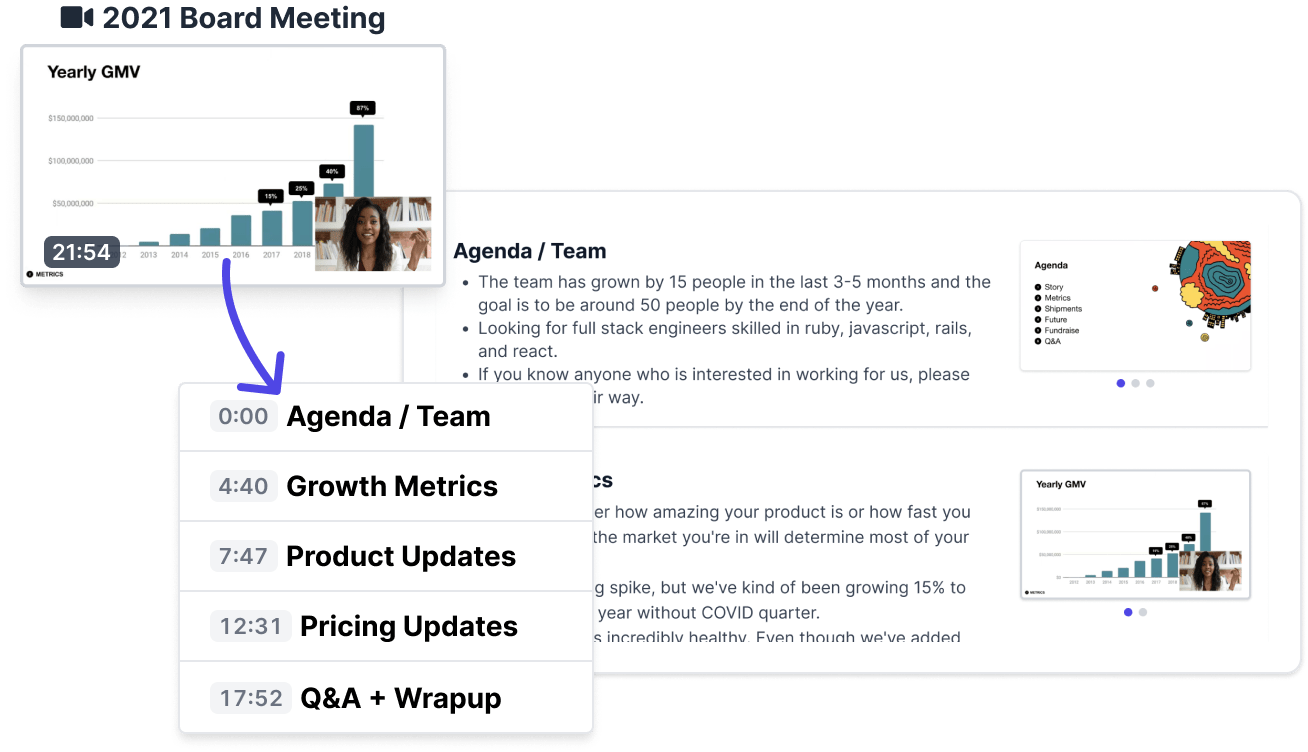
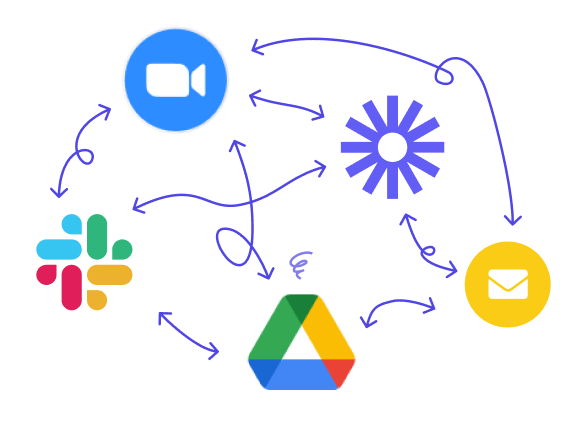
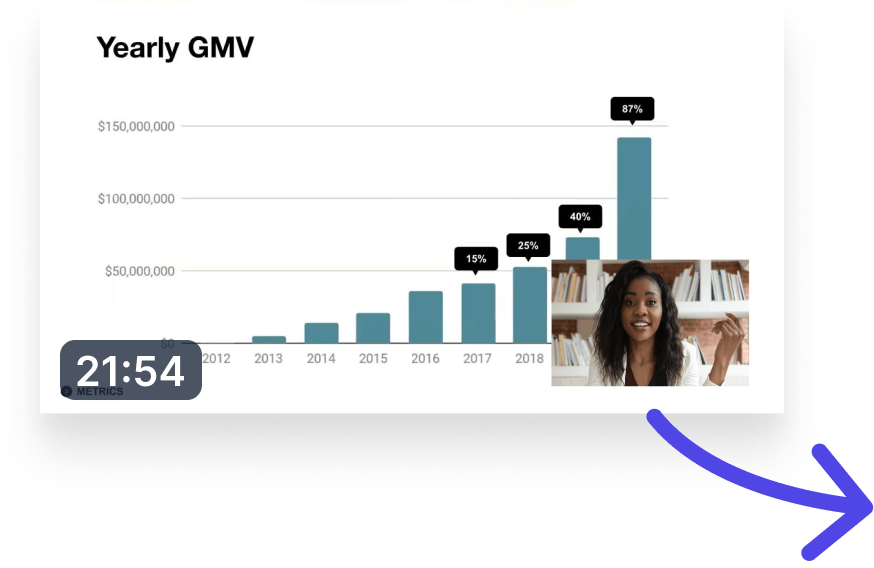
Image of a video being transformed into a chapterized, automatically summarized document.
Many different software used to try and keep track of recording and presentations make it difficult to understand what communication has happened.

Too many recordings, all over the place

In a remote-first world, we are faced with too many recordings of presentations and meetings, which end up distributed over many different tools.

Centralizing them is necessary but not sufficient

Step one is centralizing your recordings in a single archive. But that alone is not enough — there is simply too much content.

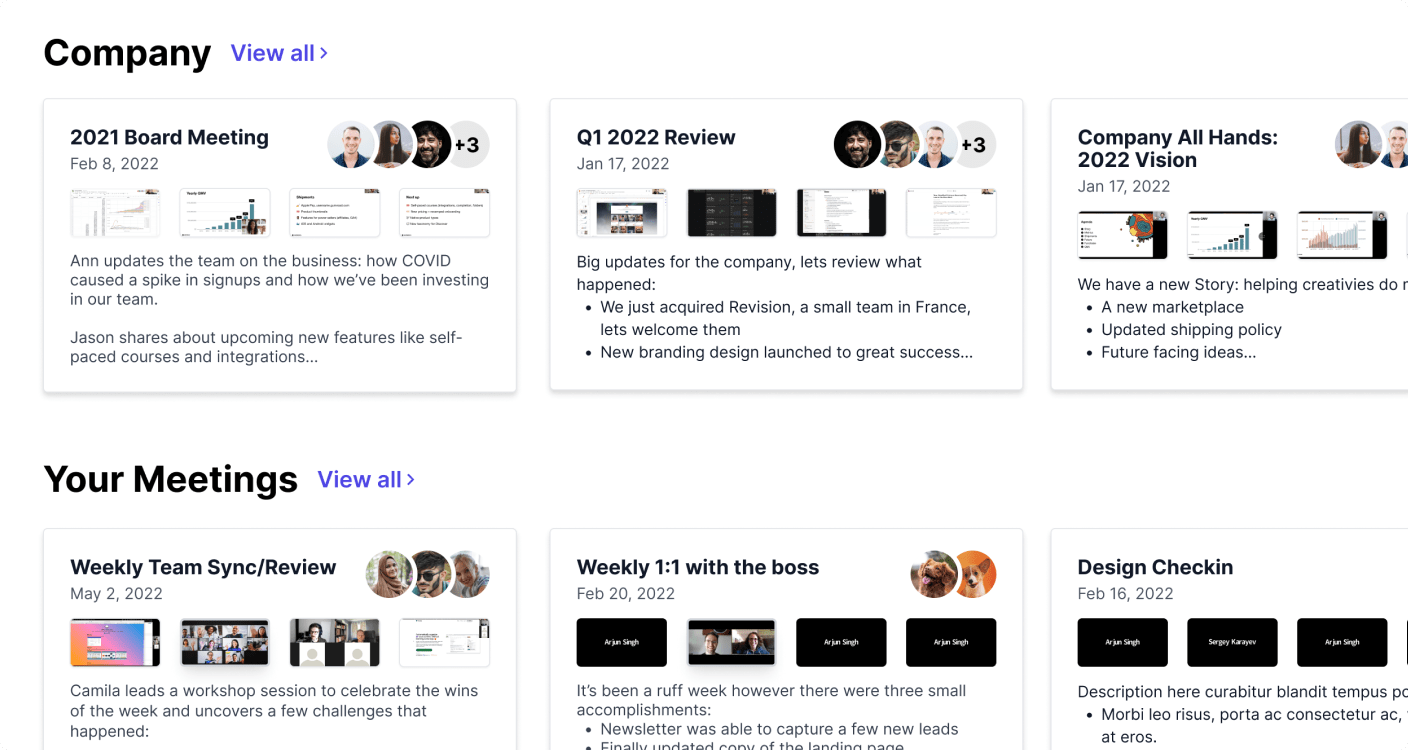
Which one should I watch? What did they say yesterday? What is most relevant for me? Did I miss something important? An overwhelming wall of abstracted videos making it difficult to understand what is actually useful to watch.
See videos across your organization with helpful descriptions and thumbnails. Or just see the ones that you have participated in.

Central Dashboard

CMS for videos and recordings

Recap automatically organizes all of your recordings into a central searchable archive.

Meeting & video summarization

Recap automatically summarizes your videos and meetings, so you can see what each recording is about, at a glance.
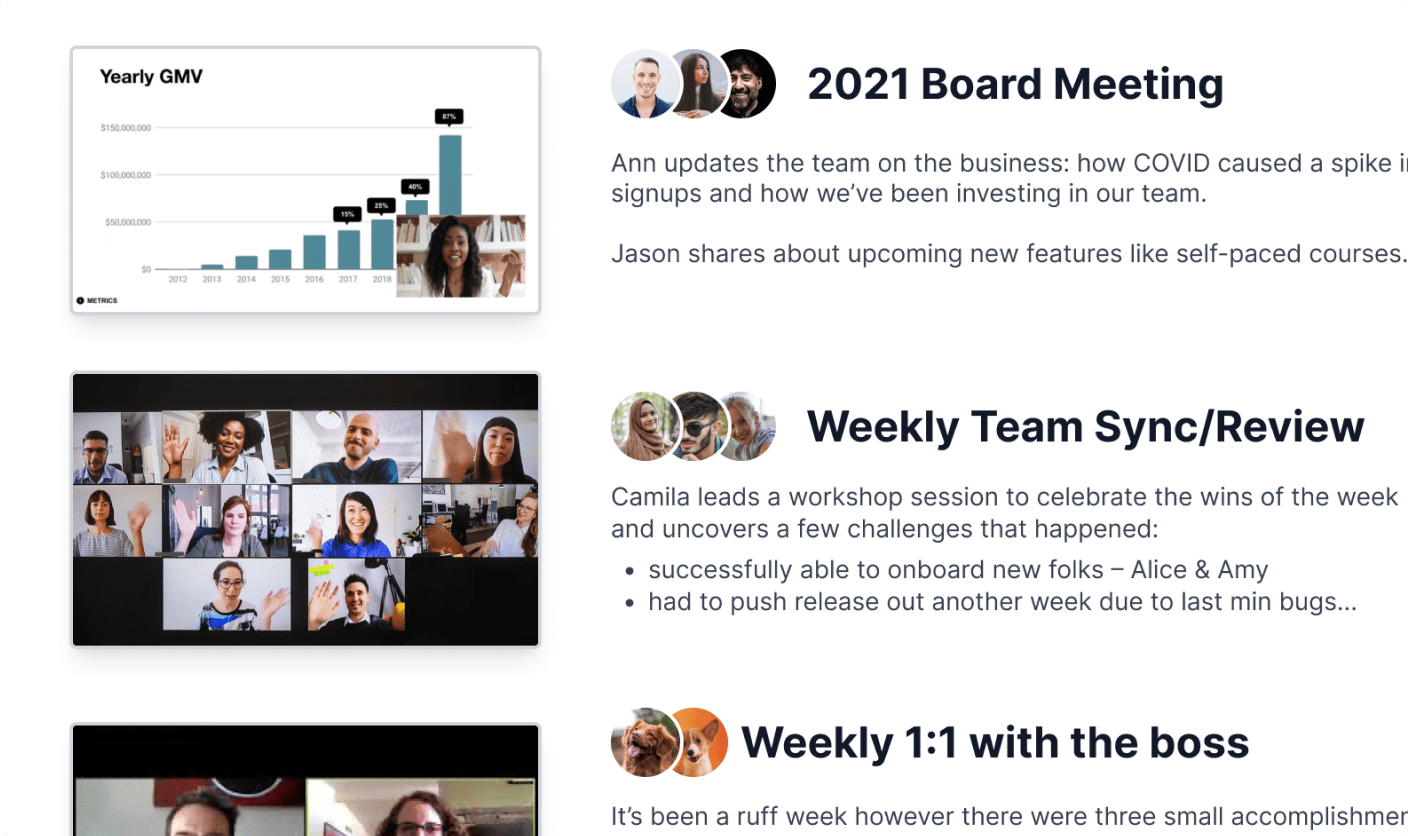
Videos get automically summarized to make it easier to get an idea what they are about at a glance.

Video Summaries

Summarized chapters

Every video is broken down into meaningful chapters, to make it easy to scan the contents.
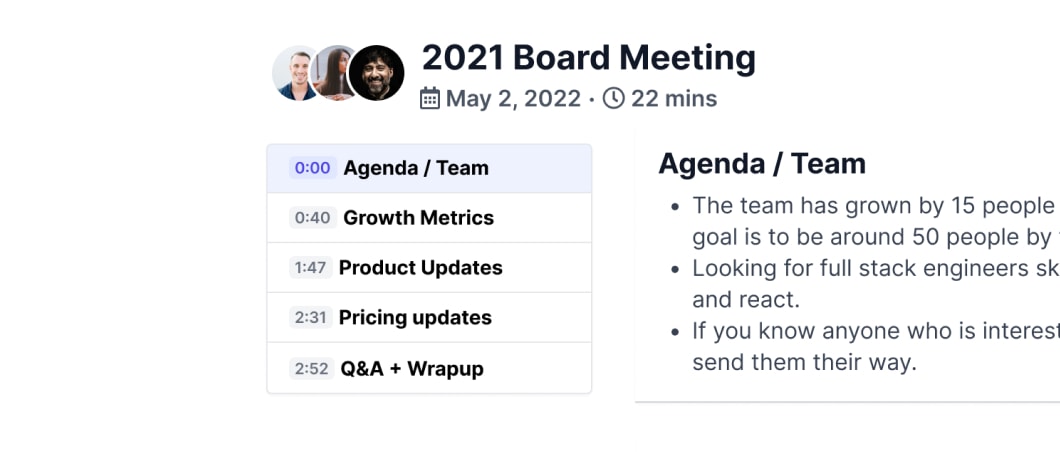
Automatic Chapters

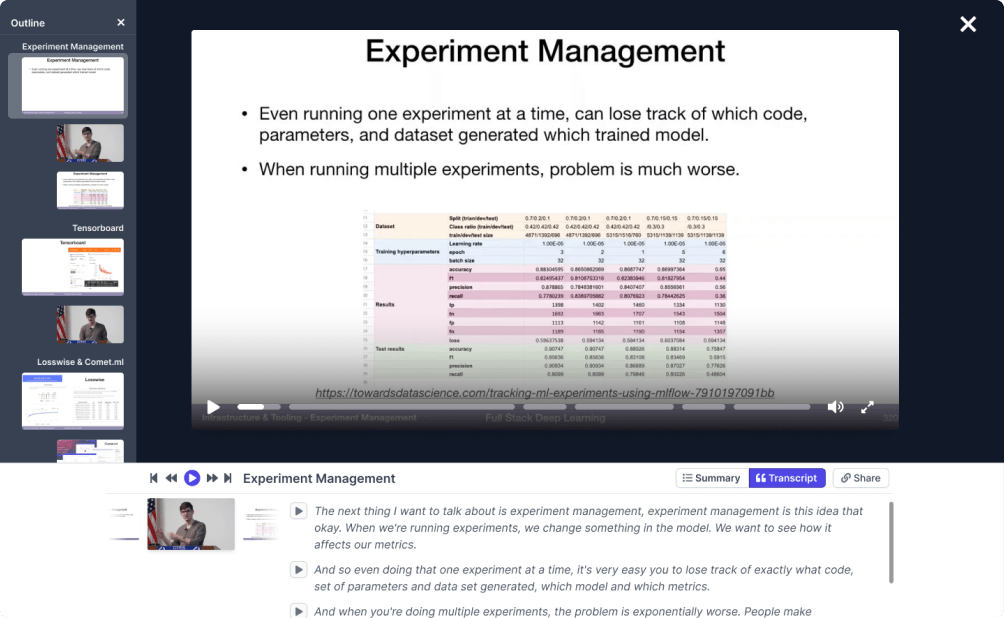
Videos get converted to a an outline that has labeled chapters. An example video getting converted to a Recap document with an outline.

Meeting & video transcription

Every word is transcribed, so you can search the contents and skip to a specific section in any recording. Recap automatically transcribes the minutes of your recorded meetings.
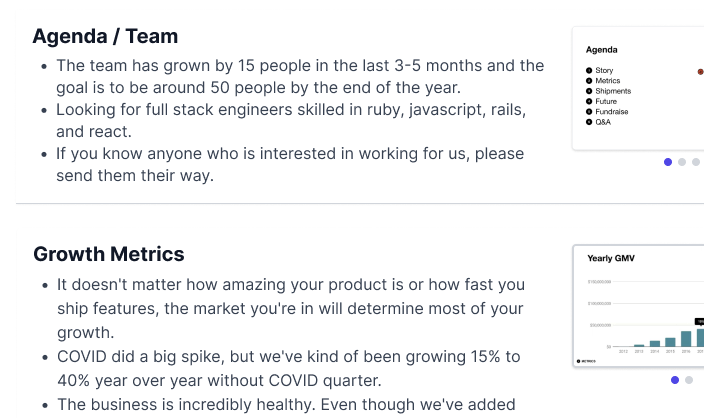
Videos submitted to Recap get automatic chapter summaries.

Chapter Summaries

Turn your video into text and images

For those who would rather read than watch, Recap turns your video into a document, with all important visuals retained and text neatly organized by speaker.
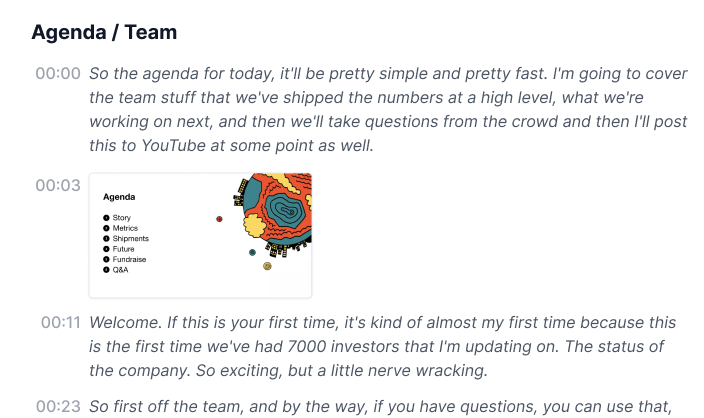
Rich Document View

Videos submitted to Recap get automatically transcribed and include screenshots within the transcript.

Privacy First

Share only what you are comfortable with. Easily hide unneeded chapters with a single click.
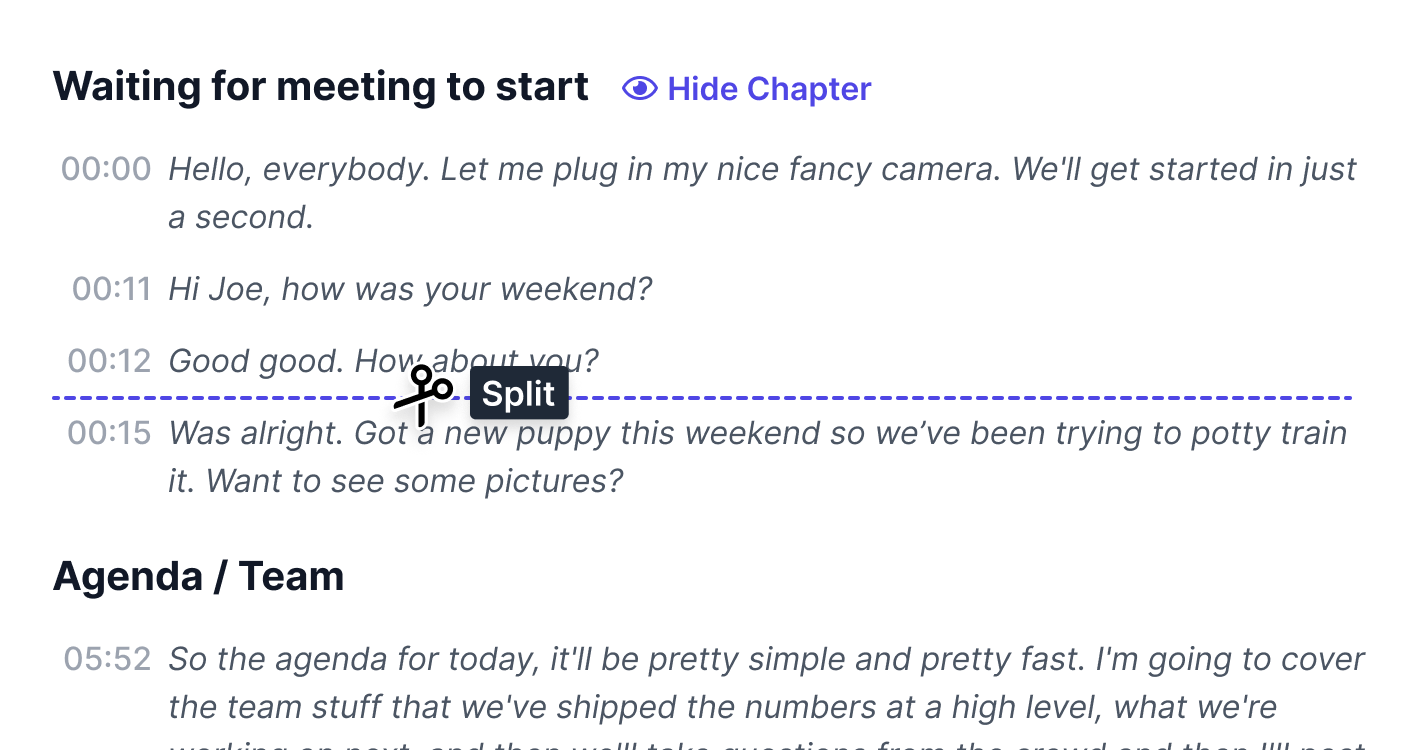
Split chapters up or hide them all together to share only what you are comfortable with.

Chapter Editor

A custom video player with a presentation-like interface that makes it easy to flip through a video.

Video 2.0

Flip through your video like a slide deck

Recap allows you to watch faster by adding chapters, transcript, and all important visuals in a single view.

Recap logo

Sign up below to get access to the private beta

Join the beta
©2022 RecapHQ